How to host a trivia game
From a topic to a winner on the podium. Most hosts have a game ready in about a minute.
A 21-second video without sound. Each step is also described in text on this page.
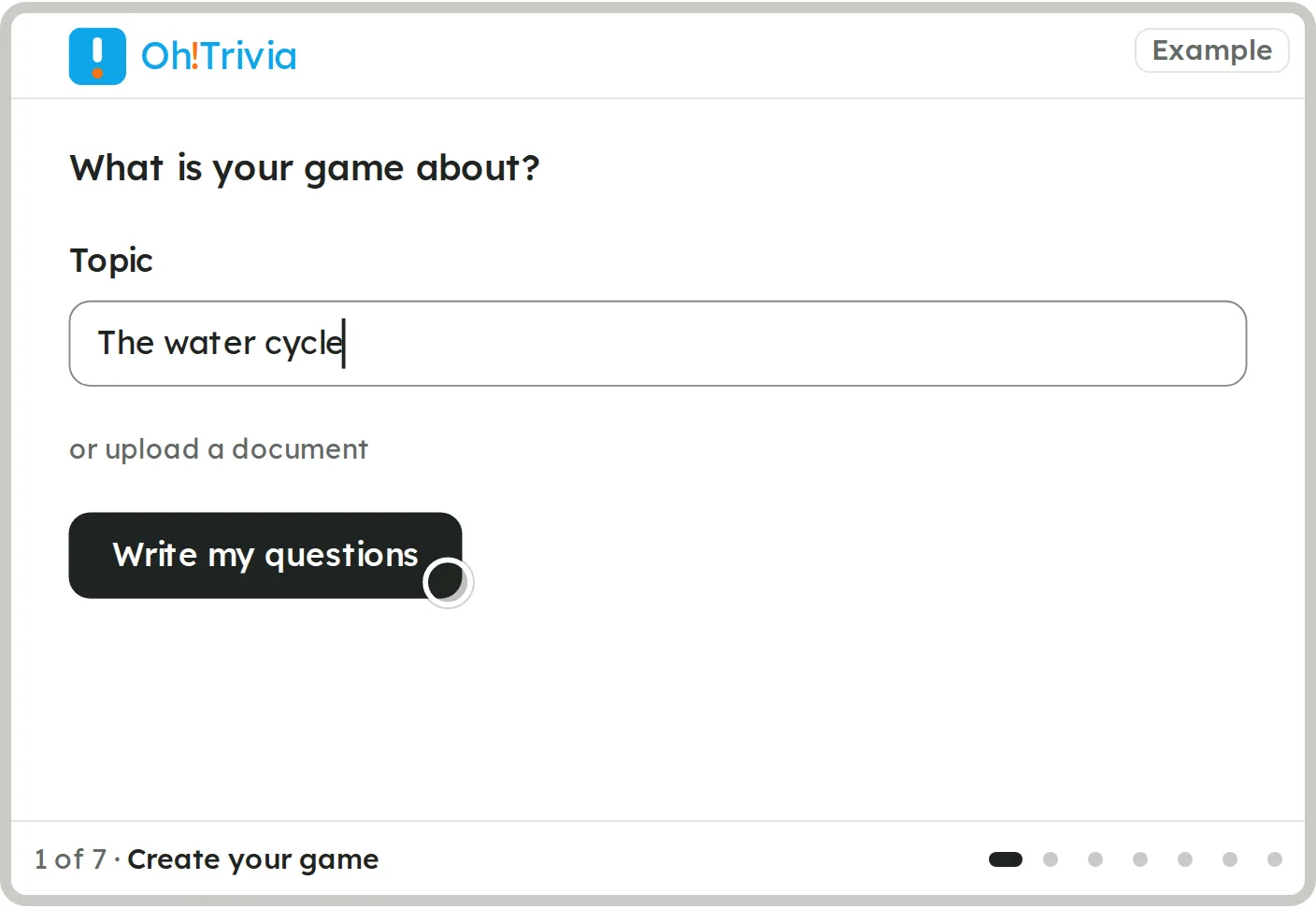
1. Create your game
Type a topic or upload a document.
Type a topic, such as “The water cycle” or “90s music”, or upload a document such as your lesson notes or a training PDF.
Typing a topic, or pasting your notes, works on every plan. For a file (PDF, Word (.docx), PowerPoint (.pptx) and more): your first game from a file is free; after that, it's part of Pro.
2. Add questions
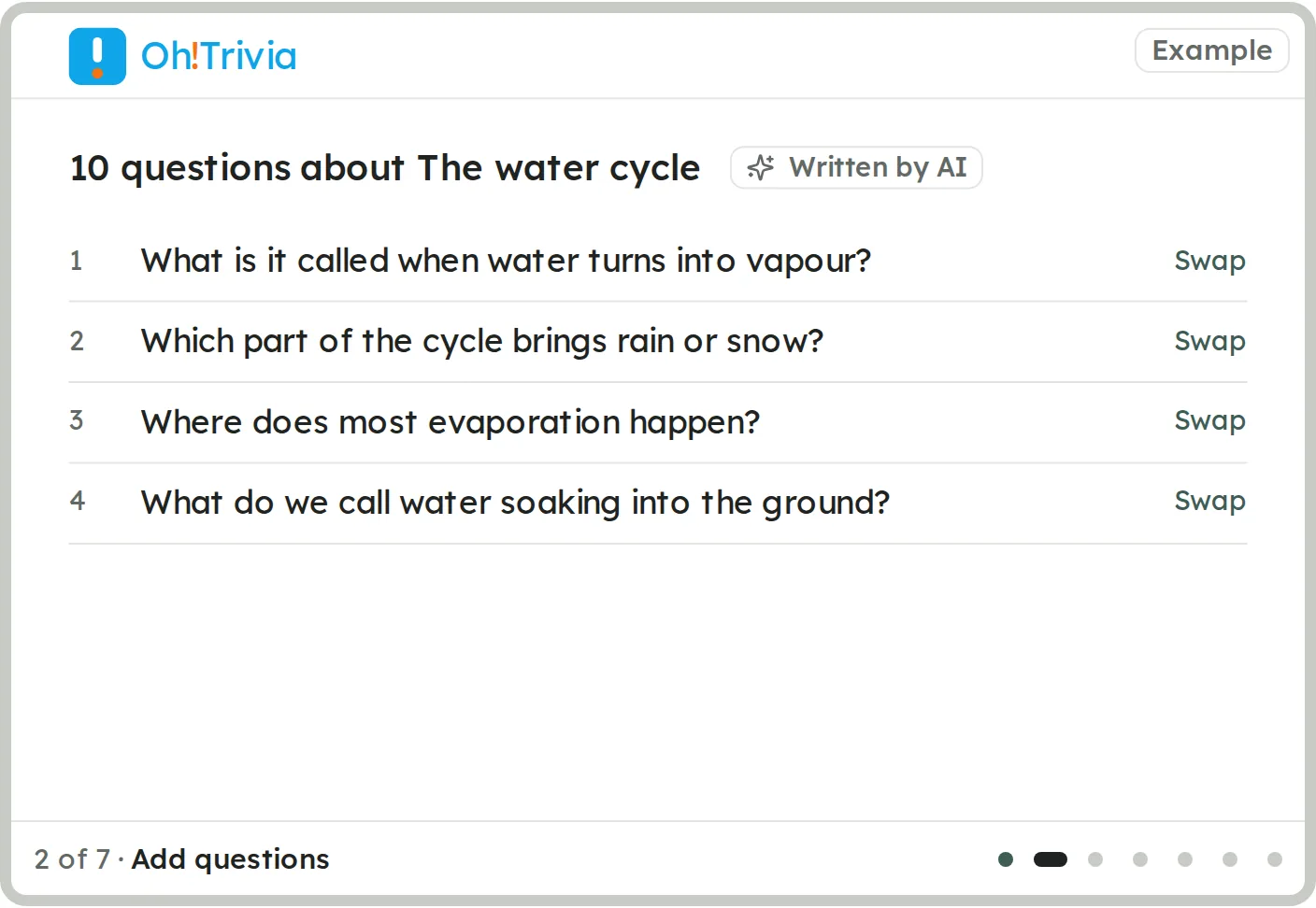
AI writes them. Swap any you like.
AI writes multiple-choice questions in seconds, in any of 20 languages.
Read each one before anyone plays. Get a new question for any you don’t like, change the wording, or write your own.
3. Adjust the options
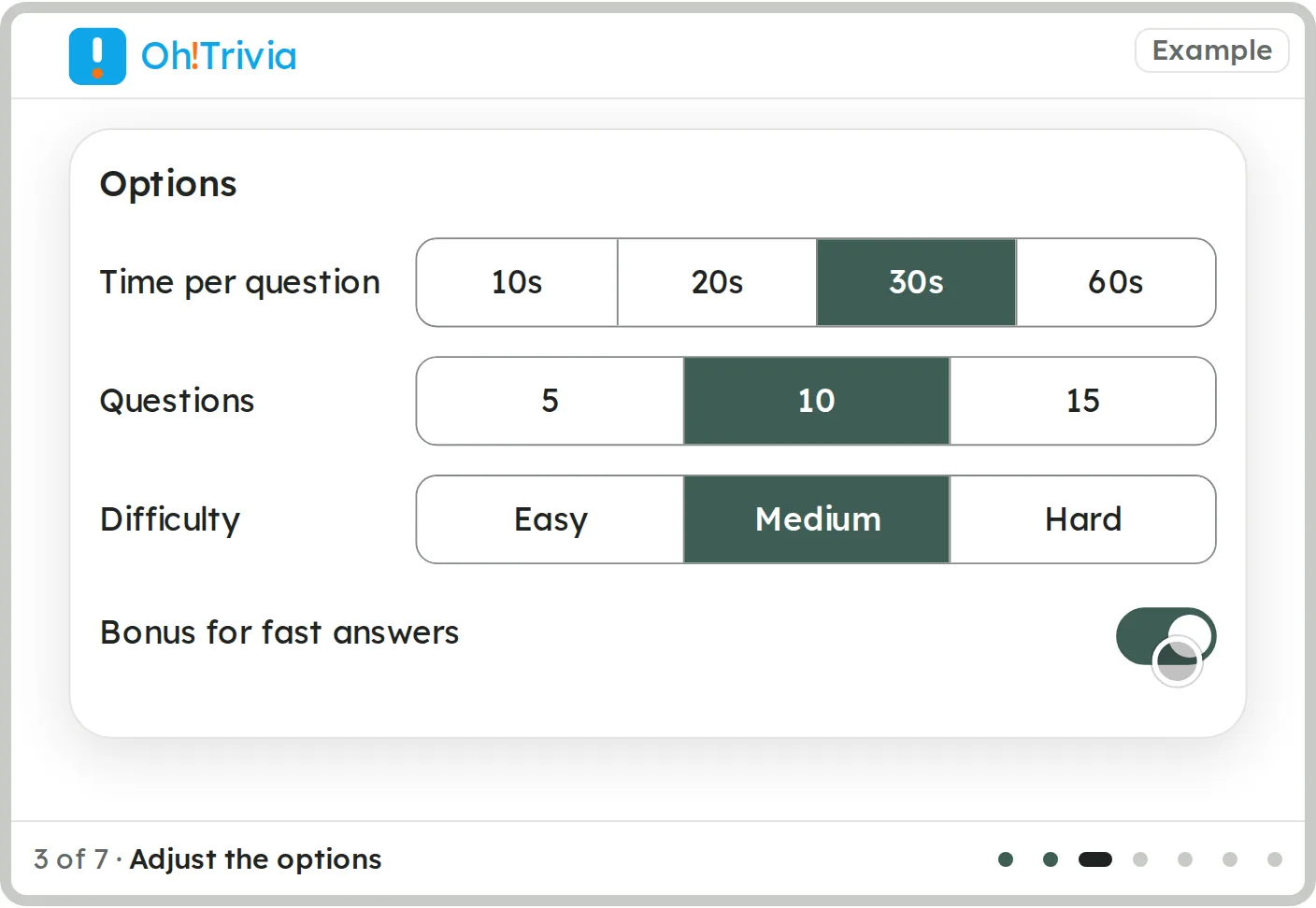
Timer, number of questions, difficulty.
Choose how long players have for each question, how many questions to play and how hard they are.
Faster correct answers score more points, so the leaderboard stays close until the end.
4. Share the QR code
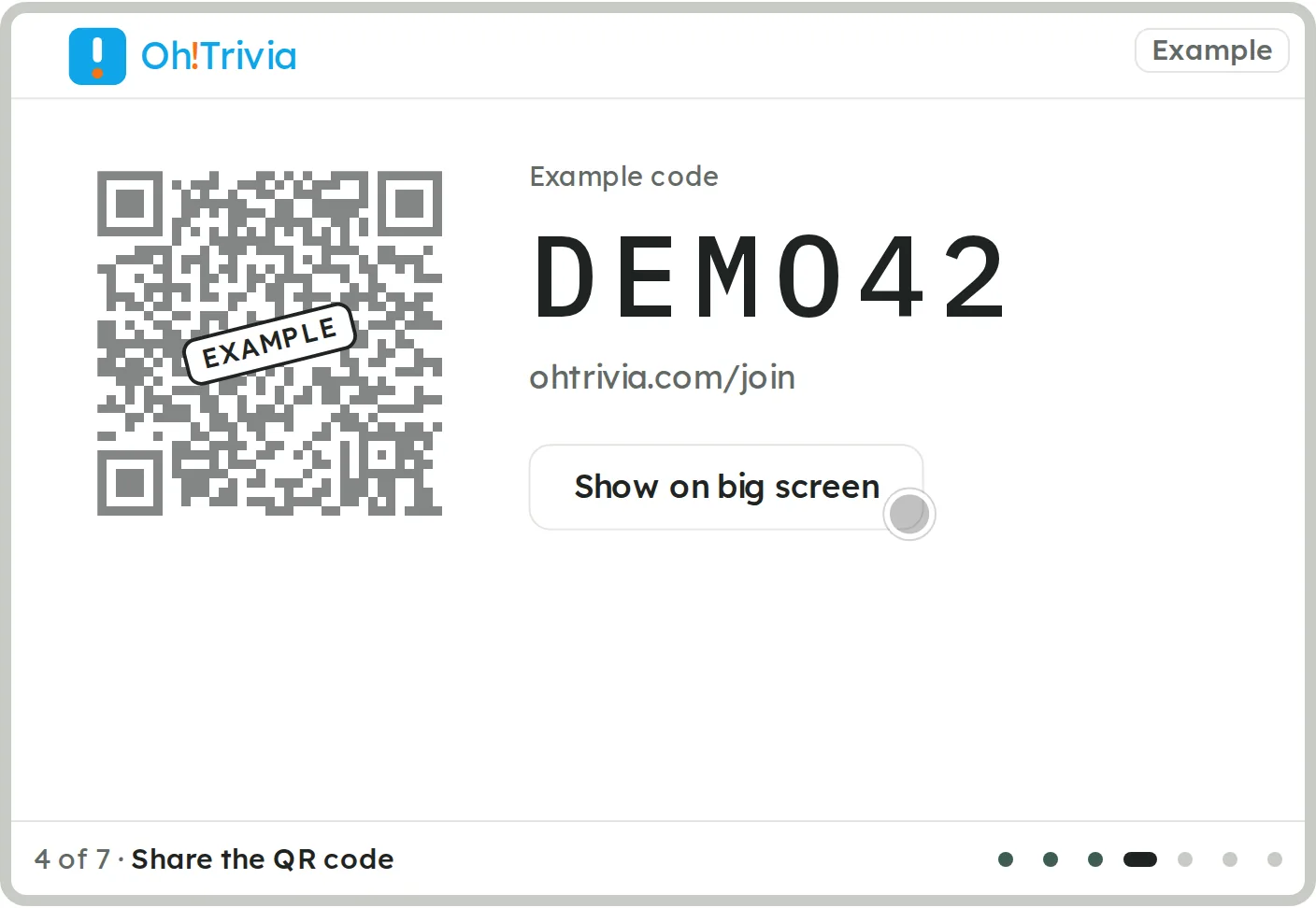
Show it on a big screen or send the link.
Put the game on a screen everyone can see: a projector, a TV, or your shared screen on a video call.
It shows a 6-character game code and a QR code. You can also send the link to people who are not in the room.
5. Players join
On their phones. No app, no account.
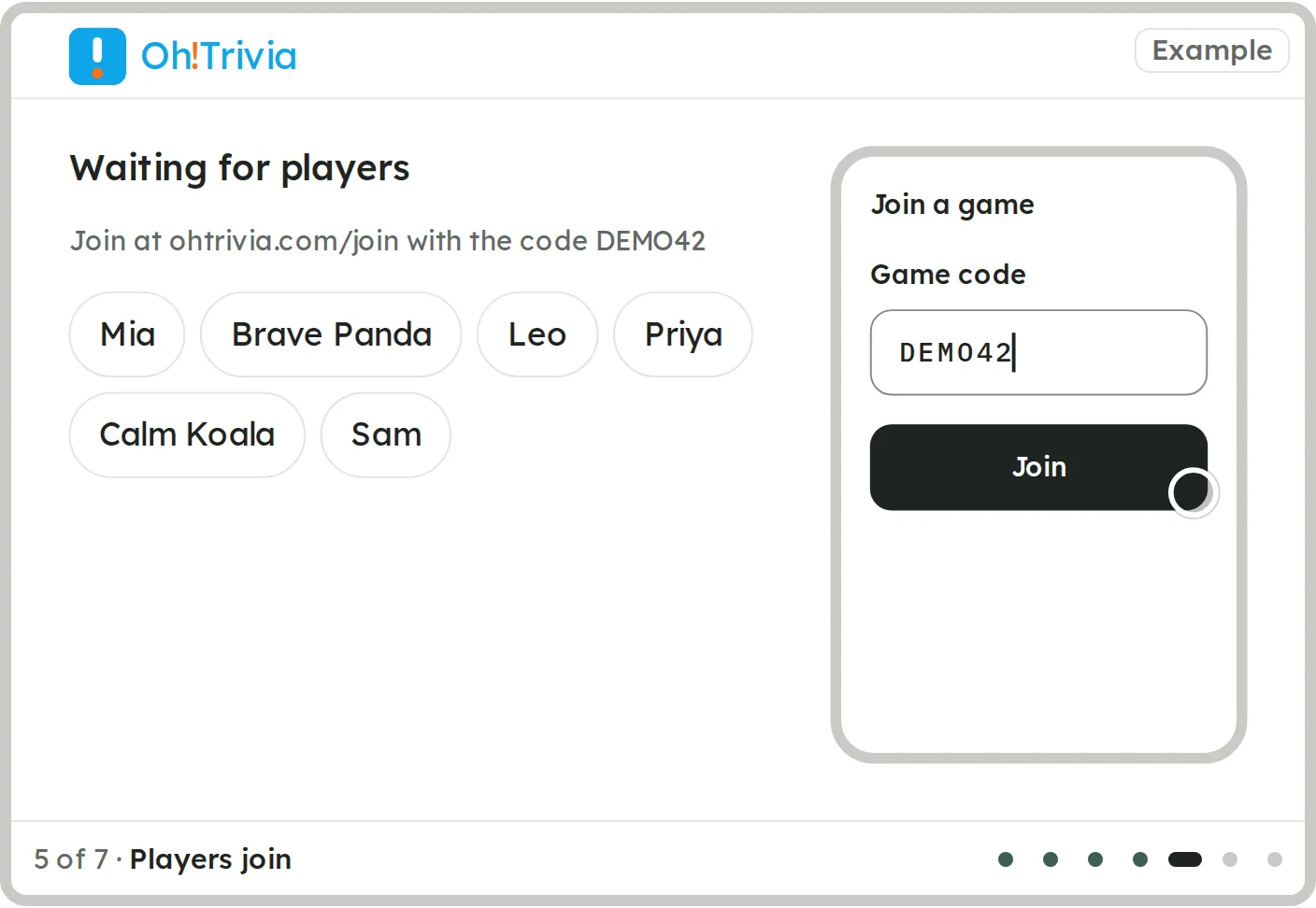
Players open ohtrivia.com/join on their phone, type the code or scan the QR code, and pick a name.
There is no app to install and no account to make. The Free plan allows up to 20 players in a game.
6. Players answer
Everyone answers at the same time.
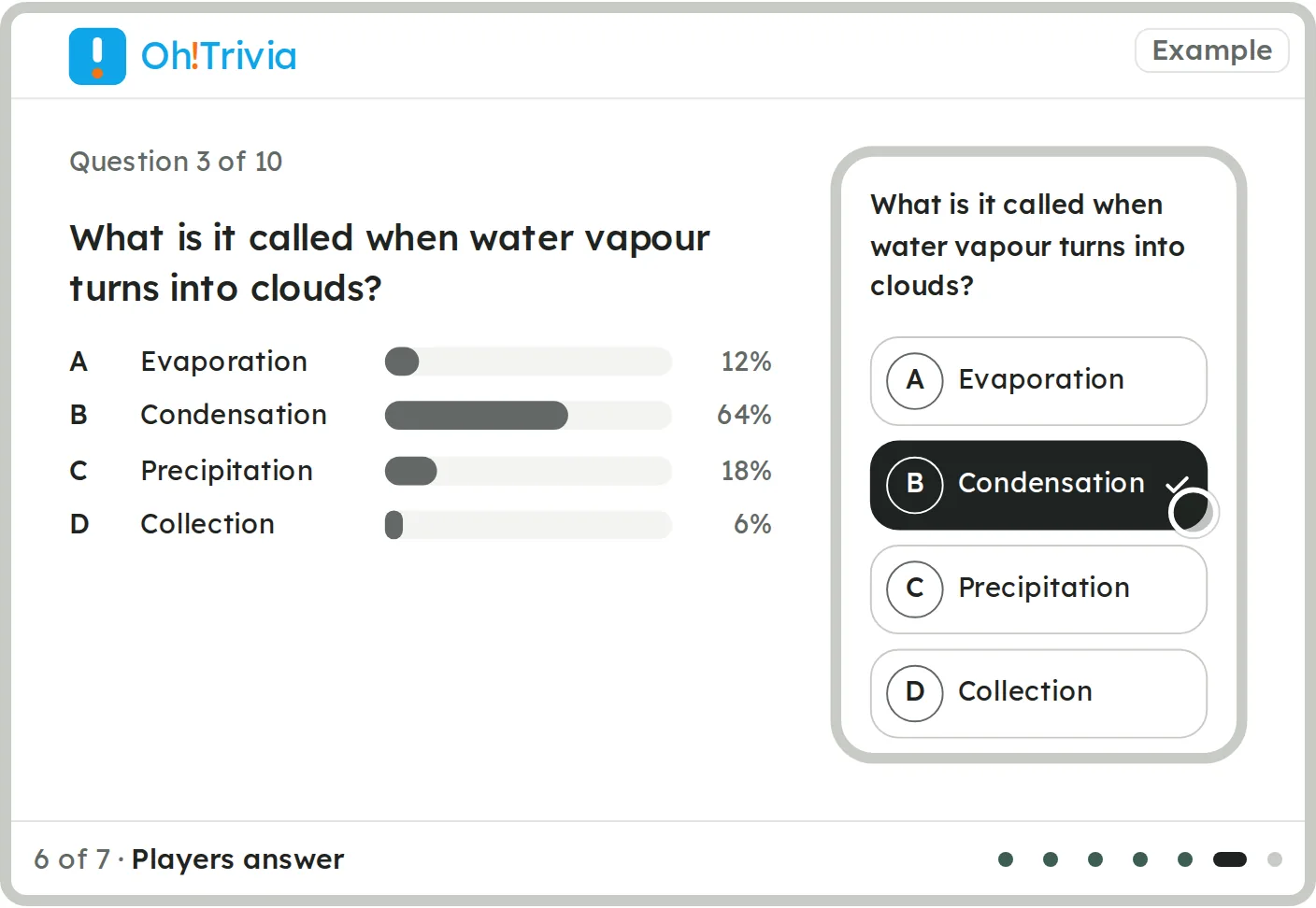
Each question appears on the big screen with a countdown, and everyone answers on their own phone at the same time.
The screen shows how many people have answered, then the right answer and the scores.
7. Celebrate the winner
Scores, a podium and a round of applause.
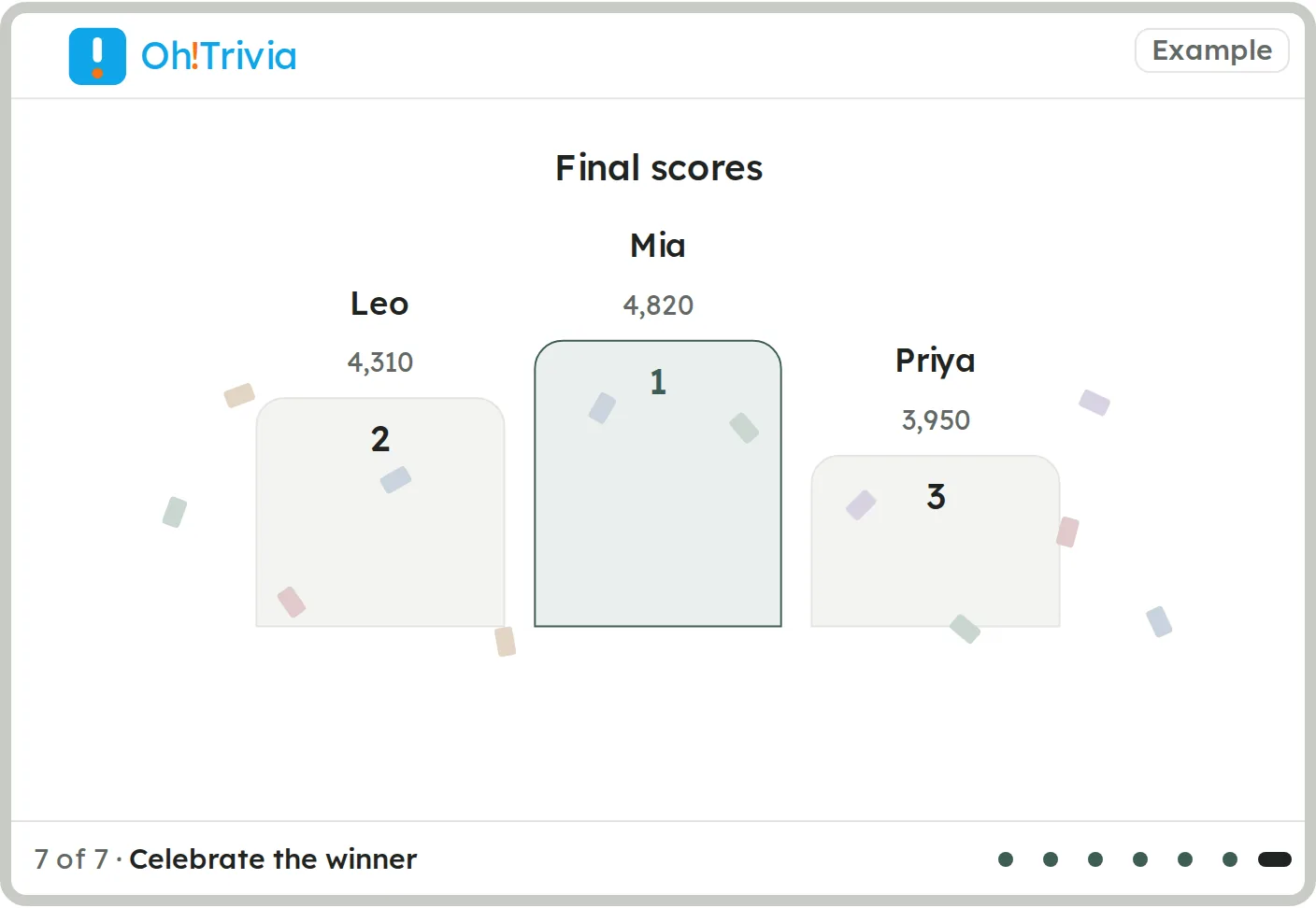
After the last question, the big screen shows the final scores and a podium for the top three.
Afterwards you can see every player’s score and the questions most people missed.
Questions people ask
How long does it take to make a game?
About a minute. Type a topic or upload a document, AI writes the questions, you read them and change anything you like, and the game is ready to share.
Can I write my own questions instead?
Yes. Write every question yourself, or let AI write them and then rewrite, swap or add your own. Questions you write are saved, so you can use them again.
What does the host need?
A laptop or computer to run the game, and a screen everyone can see: a projector, a TV, or your shared screen on a video call. Players only need their own phone, tablet or computer.
Do players need an app or an account?
No. Players open ohtrivia.com/join, type the game code or scan the QR code, and choose a name. There is nothing to install and nothing to sign up for.
Which devices work?
Any phone, tablet or computer with a modern web browser. Hosts usually show the questions on a projector or TV from a laptop, and players answer on their own device.
How long does a game take?
About 6 minutes for 10 questions at 20 seconds each, including the answer reveal. You choose how many questions and how long each one lasts (from 5 seconds to 10 minutes).
What do I see after the game?
Every player's score and place, and how each question went, so you can see which ones people got wrong. On Pro, AI also suggests what to ask next time.
Ready to host your first game?
Type a topic and your game is ready in about a minute. Free to try. No credit card.